
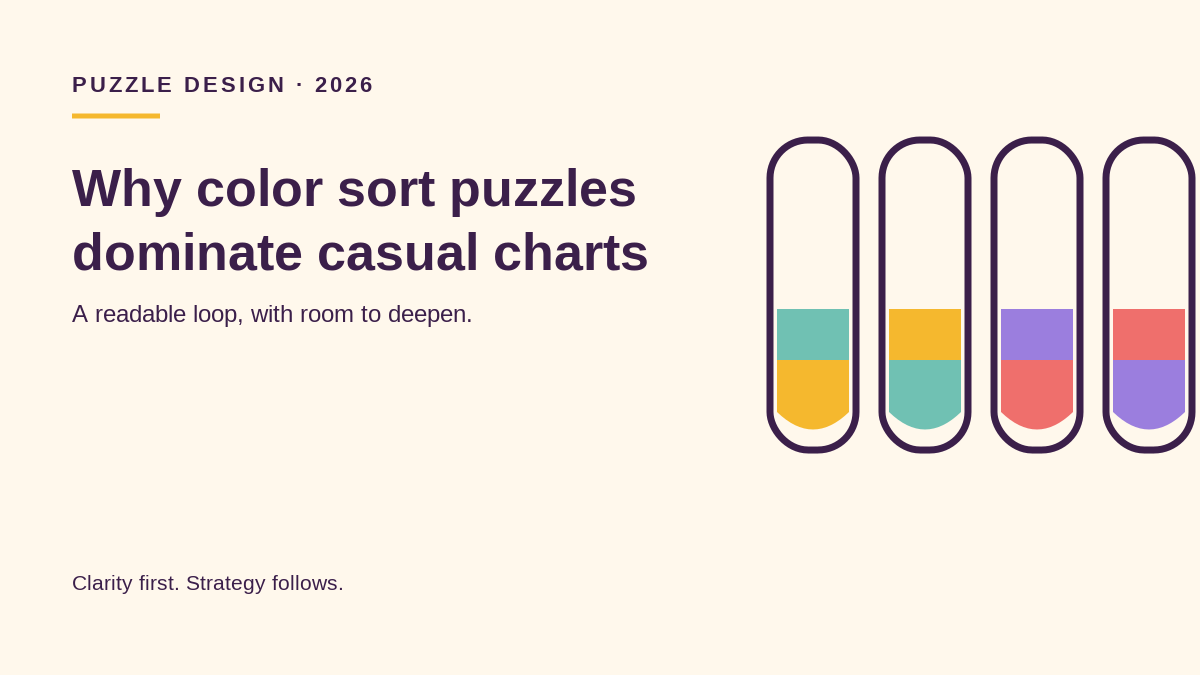
Color sort puzzles look almost too simple to explain: move pieces or liquid until matching colors sit together. Yet that clear promise leaves plenty of space for planning, surprise and progression. In the US App Store, as of 17 Nov 2026, Block Out! - Color Sort Puzzle sits at #1 in Games, Casual and Puzzle; Magic Sort! appears at #3 in all three. Those placements are a signal worth studying, not proof of why either game charts. We read the pair as evidence that familiar sorting can support very different product layers. snapshot data
Why does sorting feel immediately legible?
A color is both the object and the rule. Players can look at a board and infer the broad task before reading a tutorial: group like with like, clear a lane, or fill a container. Touch actions are also easy to teach. In Magic Sort!, the App Store describes tapping one bottle and then another to pour, with a destination constrained by top color and available capacity. That is a short input vocabulary paired with a meaningful decision: where can this piece go now, and what space will that create later?

The appeal is not that every board is easy. It is that the first useful thought is visible. A player can inspect color groups, open capacity and blocked moves without learning a large control scheme. This readability can help a game explain itself in a small screenshot or a few seconds of play. Our inference: a low explanation cost makes the genre easier to sample, while the board’s constraints do the work of producing depth.
Two chart leaders, two different expressions
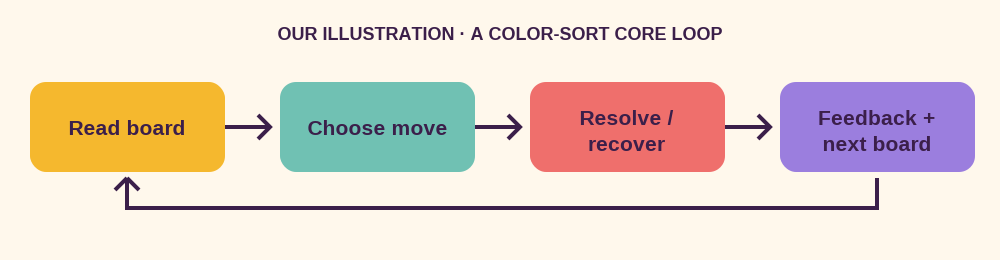
Block Out! uses blocks, targets and spatial obstacles. Its App Store listing describes sliding colorful blocks toward matching doors, with moving elevators and block generators changing the board. The listing also calls out time pressure and offline play. That design moves the sorting idea toward spatial routing: the player must think about destination, board space and timing. Screenshots show clear-board goals, boosters and timed challenges, giving a newcomer a quick sense of the product’s range. [Block Out! on the App Store](https://apps.apple.com/us/app/block-out-color-sort-puzzle/id6752672568?uo=4)


Magic Sort! keeps the bottle-pouring metaphor but surrounds it with a broader fantasy wrapper. Its listing describes undo and shuffle tools, ingredients, boosts and potion crafting. This is a different way to extend a simple action: retain the satisfying act of sorting while introducing goals and objects that can accumulate between boards. The store page is evidence that these features are presented; it does not tell us how players use them or which feature drives chart performance. [Magic Sort! on the App Store](https://apps.apple.com/us/app/magic-sort/id6499209744?uo=4)


The same developer, Grand Games A.Ş., appears behind both listings. In the US App Store, as of 17 Nov 2026, Block Out! ranked #1 and Magic Sort! ranked #3 in Games, Casual and Puzzle charts. Those are category positions at one moment, not downloads, revenue, or a durable market share. We should not treat them as a controlled comparison: each game has its own history, audience, update cadence and acquisition mix.
What might explain the genre’s chart potential?
We read the examples as a combination of five design advantages, each a hypothesis to test rather than a universal rule:
- Fast comprehension: matching colors communicates a goal with little text. That helps first-session clarity, but accessibility requires more than color alone. Pair hues with shape, labels, patterns or distinct containers.
- Small action space: tap, pour, slide and place are easy to repeat. A small input vocabulary can make a game comfortable on a phone, while board constraints create room for reasoning.
- Visible progress: one completed group changes the board immediately. This gives useful feedback every few moves and makes near-completion states easy to understand.
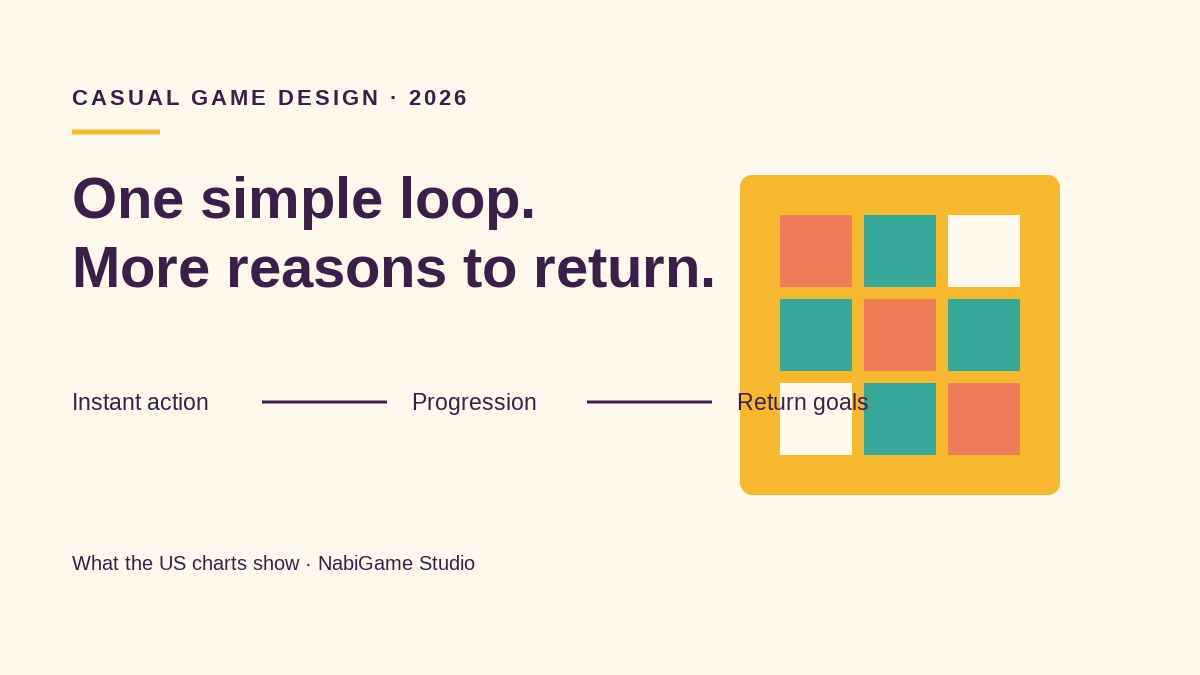
- Expandable rule set: new blockers, capacities, moving elements or timers can change the planning problem without replacing the central action. Block Out!’s listing names elevators and generators; Magic Sort! lists tools and ingredients.
- Optional progression layers: collections, themed worlds, boosters and challenges can give return goals. They can also clutter a quiet puzzle, so each layer should earn its screen space.
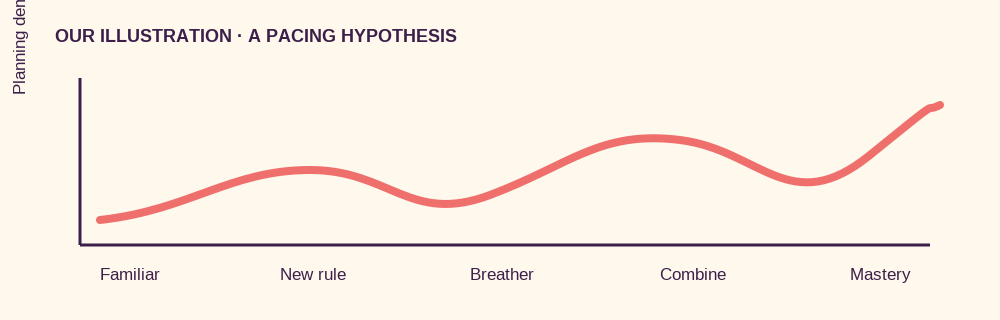
Difficulty and pacing are where this potential becomes a product. Introduce a single constraint, let players learn it, then combine it with a familiar rule. Give players room to plan when the puzzle’s promise is thoughtful sorting; use a timer only when speed is part of the intended skill. A loss should teach something about the board. If failure feels arbitrary, another life or booster may extend a session but will not repair the underlying puzzle.
How do ads, purchases and passes fit?
Both App Store listings mark their games as free with in-app purchases. The listing is enough to establish that purchases are offered; it is not enough to characterize every offer, its price, or its effect on play. We did not verify a current battle pass for either title, so we make no claim that one exists. The Magic Sort listing describes boosters and sorting tools; Block Out’s screenshots show boosters. Those are visible design elements, not evidence that purchases are required to progress.
For a small studio, monetization should preserve the central promise. If a player came for thoughtful sorting, avoid making every meaningful decision feel like a purchase prompt. Test whether an optional rewarded ad solves a genuine interruption, whether a paid remove-ads option is clear, and whether booster use helps a stuck player recover without making ordinary play feel deliberately impossible. Track completion, retries and exits alongside revenue. Purchases and ads are business choices; clarity and trust shape whether they fit the game.
Season passes need an even higher bar: sustained content, transparent expiry and enough free value to make the base game feel whole. A sorting puzzle does not need a pass merely because it has levels. First establish that players return for the board itself.
Four takeaways for small studios
- Prototype the board before the wrapper. Test whether a handful of boards produces satisfying decisions with clear goals. Add theme, narrative or collection only after the puzzle reads well.
- Make progress visible in every move. Animate a clear, freed lane, changed stack or newly available destination. Feedback should explain what changed, not just decorate the action.
- Build difficulty from constraints. Keep a level’s new idea identifiable. Alternate introductions, combinations and recovery boards; use playtests to find confusing dead ends.
- Offer recovery without hiding the rules. Undo, shuffle or an extra space can help, but explain costs and effects before use. Make color-blind-friendly cues part of the board, not a late accessibility patch.
- Measure the hypothesis. If you think a new obstacle improves mastery, compare completion, retries and abandonment across a controlled cohort. Chart rank is context, not a design metric.
These lessons connect with our puzzle game design guide: readable goals and feedback form the base that progression can build on. For a compact example from our own catalog, Crystal Drop explores a different kind of spatial puzzle; it is a useful contrast, not a like-for-like competitor.
Sources and scope
- Apple App Store listing: Block Out! - Color Sort Puzzle (mechanics, developer, screenshots, free with in-app purchases).
- Apple App Store listing: Magic Sort! (mechanics, developer, screenshots, free with in-app purchases).
- NabiGame public chart snapshot, US, 17 Nov 2026 (category ranks and app metadata).
As of 17 Nov 2026. Rank claims refer to the US App Store snapshot on that date. We use chart placement as a dated observation, and treat explanations of appeal as analysis rather than verified causes.
Comments
Loading comments…