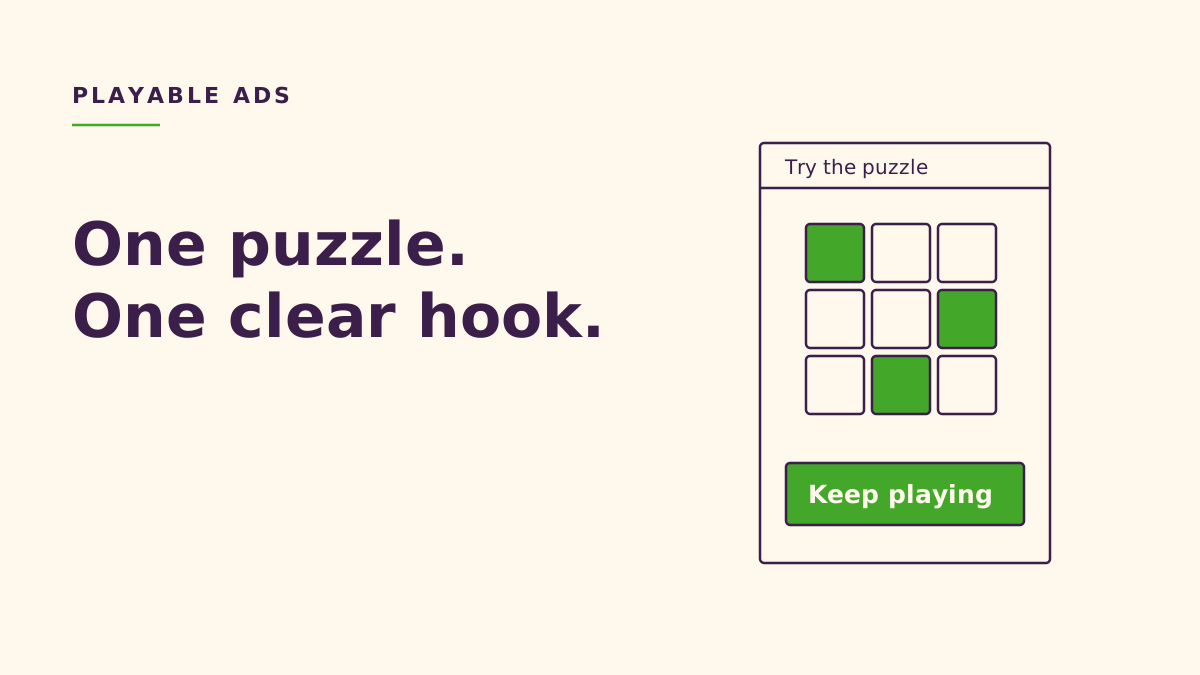
Playable ads for puzzle games are interactive previews that let someone try a small piece of gameplay before choosing to install. A useful playable presents a readable puzzle, teaches its essential gesture, gives the player a satisfying decision, and ends with an explicit download invitation. Build the experience around the real game, then adapt its HTML5 packaging and store handoff to each ad network.
Key takeaways
- Show the core puzzle action immediately; teach through feedback rather than a wall of instructions.
- Use a fair win or near-win to reveal the game's appeal, without making an ordinary board tap open the store.
- Separate gameplay from the network adapter: MRAID and single-file HTML are not universal requirements.
- Test the exported creative in its intended container, then judge acquisition quality alongside engagement.
What is a playable ad?
“Playable ads allow users to play an interactive demo of your game.”
— Unity, Unity Docs
An interactive ad is a broad category; a playable specifically offers something resembling gameplay. We would distinguish a puzzle you can manipulate from a video with a download button. Both can communicate a game, but only the former lets someone experience the relationship between input and outcome.
“Playable ads are an interactive ad format that lets you showcase your app with a hands-on preview.”
— TikTok, TikTok Business Help Centre
Placement matters. TikTok's playable documentation describes a video-to-playable journey followed by a final download card. That means your opening puzzle may arrive after a video has already established the theme. Design the transition to preserve the same goal and visual language, rather than asking the player to learn an unrelated scene.
For NabiGame Studio, our recommendation is to treat a playable as a miniature promise. The player should understand what they will do after installation. An entertaining advertisement that promises a different game creates the wrong expectation, however attractive its artwork looks.
Why are puzzle games a good fit?
Our design view is that puzzles offer a compact demonstration of agency: the board has a problem, a gesture changes it, and the consequence is visible. A merge, swap, slide, or aimed shot can communicate that loop without explaining an entire progression system. This is a reason to test the format, not proof that it will outperform video for every audience.
Consider a creative concept inspired by Juice Fruit: show compatible fruit and invite a merge. For a sliding puzzle concept inspired by Crystal Drop, highlight an available space and let the player discover how moving a block changes the board. These are proposed advertising ideas, not claims about campaigns we have run.
The interesting part is the decision, not just the animation. If every touch triggers the same predetermined celebration, the creative demonstrates spectacle rather than a puzzle. We would preserve a meaningful choice while reducing everything that delays understanding: menus, currencies, account prompts, and explanations of future features.
Our rule of thumb is to advertise the feeling you want players to return for. A cozy puzzle might emphasize a tidy board and gentle completion; a demanding puzzle might emphasize a clever correction. Our puzzle design guide is useful background for choosing that central experience.
How should the playable be structured?
Hook: make the problem readable
Start with a board that already needs attention. A gap, matching pair, or almost-complete pattern gives the player a reason to act. Keep decorative motion away from the important decision, and make the objective visible through the board itself wherever possible.
We recommend writing the creative's promise before drawing the scene: “Merge the fruit to clear space,” for example. If the art, prompt, and interaction do not support that promise, simplify them. A hook should create curiosity without requiring a narrator to explain what matters.
Tutorial: teach the actual gesture
Use a short prompt and an optional hand cue to indicate tap, drag, or swipe. After the player acts, remove the cue and show a clear consequence. If they choose an invalid move, respond gently and locally: highlight the available target instead of resetting the whole experience.
Our preference is a forgiving introduction followed by an independent decision. Do not interpret a tap anywhere on the screen as a correct move. That can hide whether the player understood the controls, and it makes the apparent puzzle feel disconnected from their input.
Fail or near-win: create fair tension
A near-win can make the remaining problem legible: the player sees what would complete the pattern and wants to finish. A failure can also demonstrate the rules if its cause is understandable. We recommend allowing recovery where it fits, rather than trapping someone in a forced mistake.
Test a clean success against a recoverable mistake as separate creative hypotheses. Avoid changing the rules secretly to manufacture frustration. For a cozy game, an intentionally unwinnable challenge may communicate a tone that the actual experience does not support.
End card and CTA: make the next action explicit
Carry the completed board or remaining challenge into the end card so the invitation feels connected to the activity. Use the game name and a plainly labeled download button. Keep replay and download visually distinct if both are available.
The CTA should ask for a deliberate store visit, not disguise that visit as the next puzzle move. AppLovin's creative rules prohibit store redirection on the first interaction. Treat gameplay input and acquisition intent as separate actions throughout the design.
What technical constraints apply in 2026?
The following comparison reflects official documentation checked on October 7, 2026. These are delivery contracts for the named products, not a universal playable standard. Recheck them before upload, especially when changing placements or buying through a different route.
- AppLovin advertiser HTML playables: the 2026 requirements specify a single HTML file of 5 MB or smaller, embedded resources, no external calls, both orientations, and MRAID v2.0. Click-through uses
mraid.open(). - Unity User Acquisition playables: the requirements checked in 2026 specify an inlined, minified
index.html, under 5 MB, and MRAID 3.0. Both orientations are required; respect container controls and viewability before starting content. - Google Ads App campaigns: the 2026-checked documentation accepts a ZIP of at most 5 MB containing no more than 512 files. Use the documented orientation metadata and responsive layout. This packaging rule does not require everything to be a single HTML file.
- TikTok Playable ads: the September 2026 specification requires a ZIP smaller than 5 MB after compression, root-level
index.htmlandconfig.json, and its prescribed playable SDK integration. It prohibits creative HTTP requests and JavaScript redirects; the SDK handles the store handoff. Do not substitute a MRAID export.
Keep the distinction between compressed ZIP size and standalone HTML size in your checklist. Measure the actual upload artifact rather than assuming a small source folder guarantees acceptance. Leave room for embedded resources and the adapter instead of aiming exactly at a limit.
IAB Tech Lab defines MRAID as the common interface between mobile rich-media creatives and their host apps. It helps the creative communicate with the container; it does not replace network-specific packaging and review requirements.
“Audio must remain muted until the first user interaction.”
— AppLovin, AppLovin Support Center
Audio should reinforce feedback after an intentional interaction. For the AppLovin route, also stop or mute it when the ad is hidden or closed, as its documentation requires. Keep the puzzle understandable with sound off.
How can you build it with HTML5?
“Phaser is an HTML5 game framework designed specifically for web browsers.”
— Phaser Studio, Phaser Help
Phaser's official introduction documents JavaScript or TypeScript development and Canvas or WebGL rendering. We would choose Phaser when its scene and rendering abstractions make the creative easier to maintain. For a compact board with simple shapes, plain canvas is also a reasonable implementation choice.
Our suggested architecture keeps board rules independent from rendering and separates the network adapter from both. The adapter owns readiness, visibility, and the approved CTA method. This allows the same puzzle idea to receive different exports without scattering platform checks through every move handler.
Use a small set of states: introduction, playing, result, and end card. Make transitions explicit, cancel old hints when the state changes, and prevent repeated taps from triggering duplicate transitions. Treat layout as a function of available space so rotation does not change the puzzle rules.
For single-file delivery, bundle the engine and game code and embed assets according to the destination's rules; a development CDN reference is not an acceptable AppLovin export. Prefer a small art set and reusable effects. Inspect the final file for leftover remote fonts, image URLs, debug tooling, and requests.
A short MRAID readiness and CTA example
This illustrative adapter follows the AppLovin readiness and click-through requirements. Call connectMraid after the host bridge is available, with a real store URL and an existing, separately labeled end-card button. It enables that button only after readiness; it does not start gameplay, implement visibility handling, or replace the rest of network QA.
function connectMraid(ctaButton, storeUrl) {
  ctaButton.disabled = true;
  const bridge = window.mraid;
  if (!bridge) return; // Preview needs its own adapter.

  function ready() {
    bridge.removeEventListener('ready', ready);
    ctaButton.addEventListener('click', () => {
      bridge.open(storeUrl); // Explicit end-card action only.
    });
    ctaButton.disabled = false;
  }

  if (bridge.getState() === 'loading') {
    bridge.addEventListener('ready', ready);
  } else {
    ready();
  }
}
Initialize this adapter once per creative. Do not add an automatic window.location fallback when the bridge is absent: surface that condition in preview and use a dedicated preview adapter. TikTok requires its own SDK integration instead of this example.
How should you test and iterate?
“The HTML5 asset should have a responsive design because it will render in a range of full-screen display sizes.”
— Google, Google Ads Help
Our recommended checklist follows the journey from delivery to intent. A desktop browser preview is a useful start, but it cannot establish that the host's lifecycle and store handoff work.
- Validate the artifact. Check packaging, bytes, embedded resources, orientation declarations, and prohibited requests. Test the exported file, not only the development version.
- Use destination previews. Follow the network's preview workflow. AppLovin explicitly recommends its playable preview; TikTok notes that its preview does not support an actual App Store jump.
- Exercise real-device behavior. Rotate, background and resume, interrupt a drag, tap rapidly, and inspect safe areas. Confirm that hidden content stops producing unwanted sound or motion.
- Check comprehension. Ask a fresh tester what the goal is and what the download button does. Watch hesitation before offering an explanation.
- Compare focused variants. Change a meaningful variable, such as the initial board or hint, while keeping the rest stable enough to interpret the result.
We recommend recording the hypothesis and export version alongside each creative. If a variant attracts more interactions but weaker downstream engagement, investigate whether its promise matches the installed game. A brighter CTA might increase store visits without demonstrating that the puzzle itself is more appealing.
Define metrics before launch: interaction, meaningful puzzle action, completion, store intent, installation, and post-install quality. Use only measurement permitted by the destination. Do not assume that an external analytics request accepted elsewhere is allowed in an AppLovin or TikTok creative.
For us, the sensible starting brief is a small, honest puzzle and a clear test question. Our game development services page provides broader project context. If you are exploring a playable concept, contact NabiGame Studio with the core mechanic and intended ad placement.
FAQ
Is a playable ad the full puzzle game?
Usually the useful creative scope is a small demonstration of the core interaction. Our recommendation is to preserve the rules and feeling while leaving menus and long-term progression outside the ad.
Should a puzzle playable force the player to fail?
We would avoid forced failure as a default. A fair near-win or recoverable mistake can reveal the challenge without undermining trust in the controls.
Does every network require a single HTML file?
No. AppLovin and Unity's cited playable requirements use single-file delivery, while the cited Google and TikTok products use ZIP packages. Check the specific campaign product rather than generalizing from a network name.
Can the same MRAID CTA code run everywhere?
No. The example applies to a MRAID host with an available bridge and deliberate end-card interaction. TikTok's cited specification requires its own SDK store handoff, so create a separate adapter.
What should an indie studio optimize first?
Our priority would be comprehension and reliable input before visual polish. Then test whether people who respond to the creative find the promised experience in the installed game.
Comments
Loading comments…