
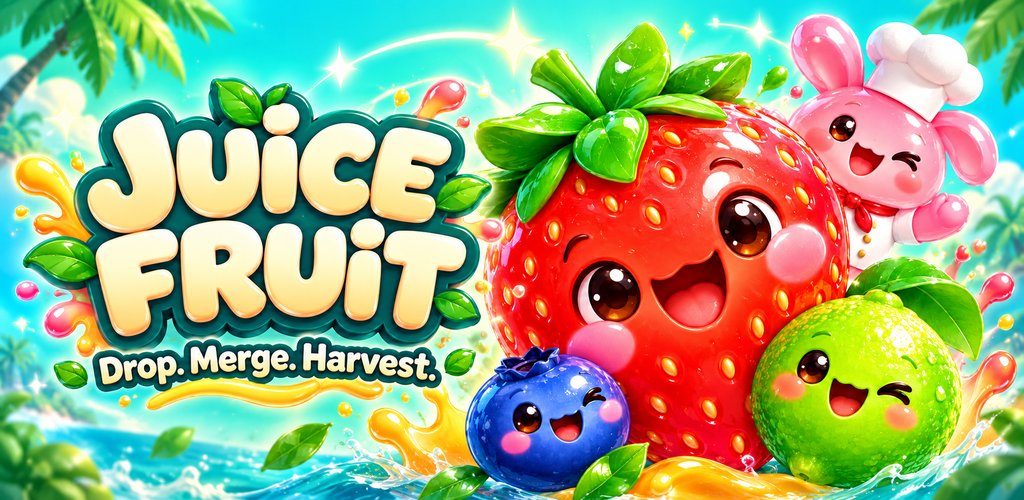
Today, October 7, 2026, I released Juice Fruit as a free browser game on itch.io, with an optional Donate button. I’m Nam Bui (@bvnkame), from NabiGame Studio, our indie studio in Da Nang, Vietnam, making games since 2016. Juice Fruit also ships on iOS and Android; this devlog is my look at the little jar puzzle behind those builds.
A small jar, a friendly host
The idea I want Juice Fruit to express is simple: a cozy merge puzzle where dropping fruit into a jar feels playful, and Chef Bunny makes the space feel welcoming. The interesting part is how much can happen inside that small container. A pair meets, a larger fruit appears, and suddenly the pile has a different shape.
I like that the same action can be both easy to understand and difficult to plan. You are always aiming a fruit, but you are also thinking about the next pair, the room left in the jar, and whatever the level asks you to make. For more about the studio behind it, there’s our NabiGame story.

The drop is simple; the landing is the puzzle
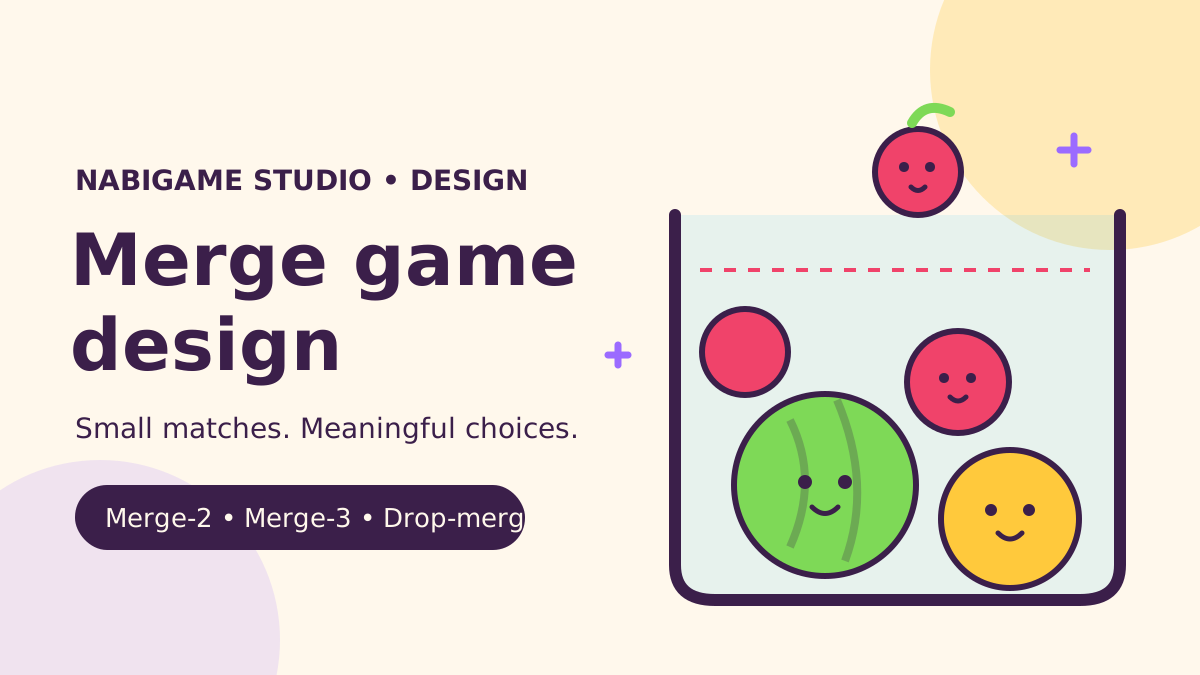
The core is drop-and-merge physics. Aim horizontally, then drop the ready fruit into the jar. When two fruits of the same tier touch, they combine into a fruit of the next tier. The fruit ladder runs from Blueberry through larger fruit to Watermelon, while squash-and-stretch animation and juice particles give each collision a softer, more expressive feel.
The queue matters because the current drop is only part of the decision. Seeing what comes next lets you prepare a place for another pair instead of treating every fruit as an isolated problem. The guide line helps with aiming, but the fruit still falls, rolls, bounces, and pushes against the pile. A good-looking column can change as soon as something lands.
That uncertainty also shaped the guided tutorial. Its design uses authored drops, then responds to the actual board if the expected merge does not happen. Low floor friction and impacts can move fruit apart, so a fixed demonstration alone is not enough. My first lesson here is to teach the board the player actually has. A physics tutorial needs a way to recover when its neat example becomes a messy pile.

Designing a campaign with room to breathe
The campaign notes describe levels by intent as well as difficulty: tutorial, teach, practice, combine, twist, boss, and relief. I find that more useful than asking every level to be harder than the previous one. A new obstacle needs space to introduce itself; a later combination can ask whether the player understood it; a relief level can give that pressure a rest.
The level table makes this concrete. Early shelves steer fruit toward a central pocket. Later, a bumper interrupts that tidy arrangement, a conveyor changes where fruit gathers, and trays turn the jar into separate chambers. The design changes the question from “Can I make this fruit?” to “Where should I make it so it helps with the next part?”
The campaign has grown to 400 levels across 15 chapters on mobile; the free browser version on itch.io starts with the first 50 levels. The map screenshots show both Chapter 5, Moonlit Garden, and the area around level 400. I see the map as a way to make that sequence legible, while the individual level goals carry the actual puzzle.

Tuning happens through several related inputs: goal tiers, move or time limits, jar geometry, obstacle combinations, and star thresholds. The tuning rules use target win rates by level band and difficulty, solver estimates, and automated playthroughs. Those target rates are design settings, not a claim about how real players have performed.
One calibration report records 367 levels played by the automated tester and 148 changed. It uses observed drop counts to revise move budgets; that makes it useful for finding levels with excessive slack. It does not tell me whether a person understands an obstacle, enjoys a boss, or feels that a near miss was fair.
That is my second lesson: automated completion is evidence about a level, not the whole experience. I want those checks to help me ask better play-testing questions. Our broader puzzle design notes and merge design article explore the same balance between readable rules and interesting decisions.

Obstacles, glass shapes, and water experiments
I want obstacles to change a drop’s meaning. Jelly slows fruit and damps sideways motion. A seesaw reacts to weight. Ice responds to nearby merges. Portals offer a different route through the jar. These are useful variations because they work with the same fruit physics rather than requiring a separate control scheme.
The obstacle notes also put fairness into the design rules: keep a clear vertical route for droppable fruit, avoid pockets that trap it, and give intentionally blocking objects fallbacks. A gate can open through progress or a fallback condition; ice can thaw. The aim is to keep a difficult arrangement from becoming a board that simply stops doing anything.

The jar itself is another tuning tool. The documented shapes include bulb, flask, hourglass, vase, and bowl alongside the classic jar. Narrow necks change entry routes; an hourglass waist separates spaces; a wide, shallow bowl changes how you spread the pile. The flask even uses procedural glass because its original artwork’s neck was too narrow for a dropped Orange.
That leads to my third lesson: the visible container and the playable container must agree. An attractive silhouette still needs room for the fruit and a collision boundary that makes sense. Changing the walls also means reconsidering aiming limits, overflow height, camera framing, and the opening underneath.
Water is still work in progress in these notes. The implementation explores buoyancy, drag, gentle waves, and different floating behavior by fruit tier. Tall, basin, and cup jars are also documented as pending play-testing. I’m interested in how water could change stacking, but I’m not treating those experiments as verified launch features.
Campaign, Endless, and Juice Orders
Campaign provides authored goals and a sequence of challenges. Its documented variations include timed levels, bomb defusing, critter rescue, layered candy floors, and juice goals. A layered level keeps the board between stages, so opening a floor changes the situation below instead of starting an unrelated puzzle.
Endless gives the familiar drop-and-merge loop a different purpose: keep playing and manage the space instead of following the campaign’s next goal. The latest notes cap its incoming fruit at Blueberry, Cherry, and Strawberry. That keeps the larger fruit as something built through merging.
Juice Orders is an Endless variant, shown with order tickets down the right side and FREE moves. The recent design work concentrates on collecting fruit resting on the jar floor and serving the oldest ticket first. That collection behavior is still marked for on-device QA, so I’m treating its final feel as something to verify.

Boosters and a softer interface
The booster shop offers Hammer, Shake, Swap, and Upgrade for coins. I’m keeping this description to the visible set: four clearly named options, shown together before you decide what to buy. The coin shop also shows a starter pack and bundles, but the browser launch’s support invitation is the optional donation on itch.io.

The UI direction uses rounded jelly panels, capsule buttons, cream and lavender surfaces, coral and mint accents, and plum text. Moves, score, goal, and next fruit have their own places in the gameplay header. The layout notes include phone, tall phone, tablet, and landscape checks; those checks matter because the jar needs room without hiding the information around it.
Chef Bunny’s art moved toward a matte anime chibi look with large sparkling eyes. Skeletal animation supports idle movement, cheering, danger, and celebration. I like the relationship between that softer character and the glossy interface: the host can carry expression while the panels carry the information.
The harvest sequence gives a win a physical ending. The lock opens, trapdoors swing down, and fruit pours into a basket before the victory panel appears. It is skippable, and its reduced-motion version removes camera movement and much of the wobble and splash. The reward should feel connected to the fruit you assembled.

From mobile builds to a browser release
The project’s earliest README describes a Cocos Creator and TypeScript version; the later delivery notes document Unity builds. That history matters when reading the development material: older notes explain the core idea, while later notes describe the current implementation and its changing content.
Building for iOS, Android, and Web means checking more than compilation. The delivery notes record successful builds and browser mouse-drop checks, while the later handoff records iPad builds and changes still awaiting device QA. I want to keep that distinction clear. A build arriving on a device is a milestone; checking how it plays is another.
Today’s itch.io release makes the browser version available free, with Donate as an option. You can find the game through our Juice Fruit page too. I’ve written more about bringing games to different places in our distribution guide.
What I’m looking at next
My immediate focus is the work the notes leave open: device QA, the feel of recent mode and UI changes, and further difficulty tuning. Water and the newer jar experiments need play-testing before I can speak confidently about them. If a level feels unclear or an interaction surprises you, you can reach us through the contact page.
FAQ
Where can I play Juice Fruit?
You can play the free browser version on itch.io. Juice Fruit also ships on iOS and Android.
How do fruits merge?
Drop fruit into the jar. Two touching fruits of the same tier combine into the next tier.
What modes are covered here?
Campaign, Endless, and the Juice Orders variant. Campaign also uses different goal types, including timed, rescue, bomb, staged, and juice challenges.
Which boosters are shown?
Hammer, Shake, Swap, and Upgrade are offered in the coin-priced booster shop.
Play and support Juice Fruit
Play free at Juice Fruit on itch.io. If you’d like to support us, donate through itch.io or PayPal. Thank you for spending time with our little jar puzzle, and you can read more at the NabiGame blog.

Comments
Loading comments…